


Estimators do some of their best work while walking the job.
They see what needs to be repaired. They identify materials. They notice measurements, assess issues, damage, labor requirements, and details that could impact the scope.
The challenge is getting everything they see from the site visit into the estimate.
The Challenge
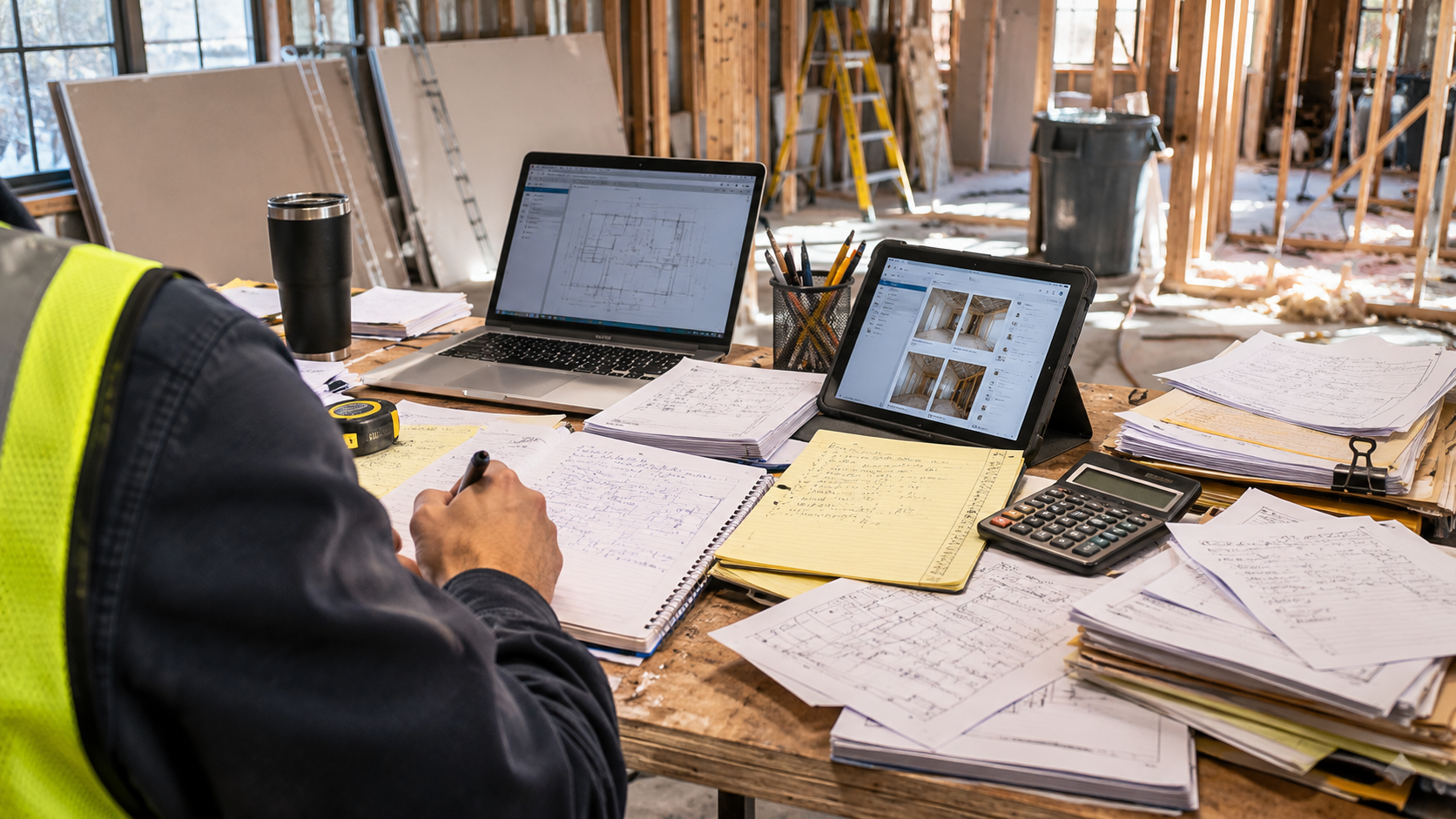
Most estimators walk the same job twice. Once in the field, and once at the desk.
The site visit generates the knowledge. The desk is where it gets translated into documentation. Between those two moments, details blur, shorthand notes lose context, and the scope gets rebuilt from memory.
The friction can show up in a few familiar ways:
- You took thorough notes on-site, but they don't translate cleanly into a structured scope when you're back at the desk.
- You remember a detail that matters, but can't recall the exact measurement, location, or context.
- You finish the estimate and realize there's something you didn't capture that's now difficult to confirm without going back.
The One-Shot Approach
But, what if the walkthrough itself could become the starting point for the documentation?
That's the idea behind One-Shot Estimating.
New to One-Shot Reporting? Click here to learn how CLIPr's One-Shot approach turns natural conversations and observations into structured first drafts.
One-Shot Estimating isn't a transcription tool. What the estimator gets back isn't a wall of text to sort through. It's a structured first-draft report, organized around the key elements captured during the walkthrough. Scope items. Materials. Measurements. Damage details. Already organized into a format the estimator can review and build from.
Instead of taking notes to write from later, the estimator talks through the scope while standing in front of the work.
This isn't about AI determining what a project should cost. It's about capturing the estimator's expertise at the moment it's being applied.
What Does This Look Like in the Field?
An estimator walks a water-damaged property and speaks naturally as they inspect. For example:
"The south wall has approximately 12 feet of water-damaged drywall. We'll need to remove and replace the affected section, replace the insulation behind it, then tape, texture, prime, and paint to match."
"Moving to the kitchen, the existing cabinets can stay, but we'll need to replace approximately eight feet of countertop and repair the damaged backsplash behind the sink."
No stopping to type. No shorthand to decode later. The estimator speaks to what they see, and the detail is captured while they're still standing in front of it.
The result isn't a transcript of those observations. It's a structured list of the scope items and details captured, ready to review, validate, and price.
How It Works
STEP 1: Capture Naturally
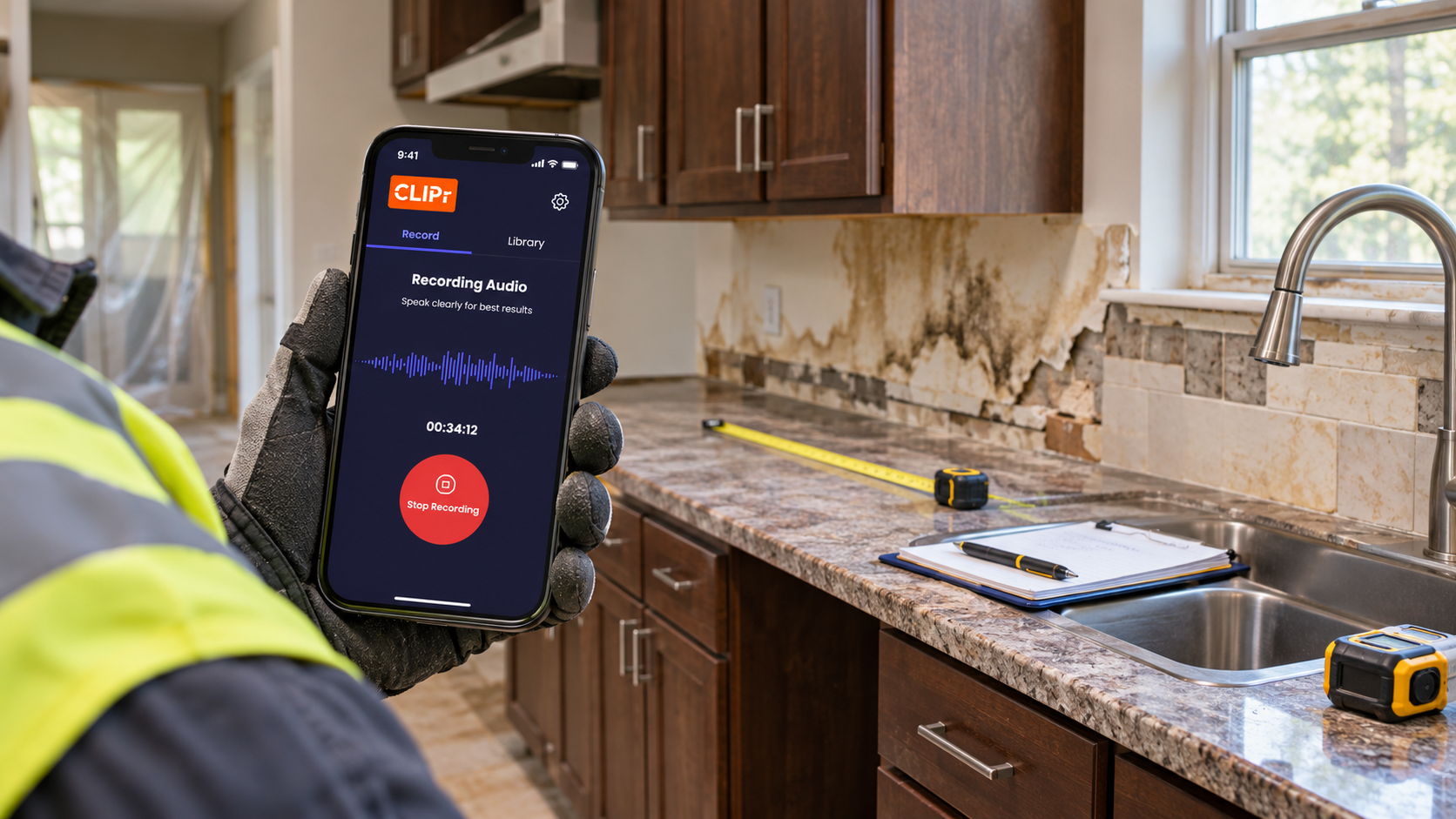
Speak or record observations on any device as you work with CLIPr Mobile.
Walk the site and talk through what you're seeing…materials, measurements, damage, and scope details as you inspect.
STEP 2: CLIPr Structures
CLIPr processes the recording and structures the captured information into a detailed AI-Assisted first-draft documenation.
Your spoken observations are organized into a report that reflects the scope you described on-site.
STEP 3: Review & Finalize
Review, edit, validate, and finalize the first draft using your professional judgment.
Confirm quantities, validate pricing, and make any adjustments before the estimate is final.
CLIPr doesn't replace professional judgment. It helps capture it.
You still make the observations. You still determine what matters. And you still review, edit, and approve the final documentation. CLIPr helps turn the information you capture naturally in the field into a structured first draft, so less of your time is spent recreating the work after it's already happened.
How CLIPr Supports Estimators
- Capture scope details before they blur. The more time between the site visit and the estimate, the more measurements, material notes, and damage details have to be recalled rather than referenced. One-Shot Estimating closes that gap.
- Reduce the work of reconstructing the visit. Whether you're documenting a water-damaged property, a roofing repair, a commercial facility walkthrough, or an insurance claim inspection, the workflow is the same. Walk it, talk through it, and let CLIPr structure what you captured.
- Create more consistent documentation across jobs. Spoken observations captured on-site produce more complete scope detail than shorthand notes reconstructed later.
- Stay in inspection mode. Talk through the job as you walk it, without stopping to type or shifting mental gears mid-visit.
Ready to Spend Less Time Turning Site Notes Into Documentation?
The information you need is often already being observed, discussed, and explained in the field. CLIPr helps capture it at the source and turns it into structured documentation you can review and use.
Ready to see how One-Shot documentation could work for your team?